Wireless security cameras are a good fit when you are living in a temporary space, want to do a quick do-it-yourself (DIY) setup, or need flexible placement without drilling holes. Wired security cameras are appropriate if you own a home, prefer uninterrupted recording, and need a permanent system that never drops signals or runs out of battery.
Wired is generally more reliable for a solid connection that supports high resolution and has a lower risk of hacking, while wireless cameras require no cable routing, can be repositioned, and have a lower upfront and labor cost.
This article covers everything you need to know about wireless vs wired security cameras, their pros and cons, and which one is more suitable to protect your home. Choosing the right setup is also one way to prevent thieves from targeting vulnerable areas.
Quick Answer
You should pick a:
- A wired camera system for uninterrupted connection in large properties with continuous 24/7 recording that never runs out of battery.
- A wireless camera system for renters, cable space, and quick and easy installation that covers even the detached areas.
- Pick a hybrid camera system with a wired and wireless camera setup if you want both.
- How to Distinguish Between Wired and Wireless Security Cameras?
- Wireless vs Wired Security Cameras: Comparison Table
- Pros and Cons of Wired Security Cameras
- Pros and Cons of Wireless Security Cameras
- Key Components to Keep in Mind for Comparison
- How are Wireless Security Cameras Better Than Wired?
- Wired vs Wireless Security Cameras: Which One to Buy for a Home?
- Hybrid Camera Systems: Wireless and Wired Security Camera Systems
- How to Determine the Appropriate Time to Hire a Professional Installer
- Conclusion
- FAQs
How to Distinguish Between Wired and Wireless Security Cameras?
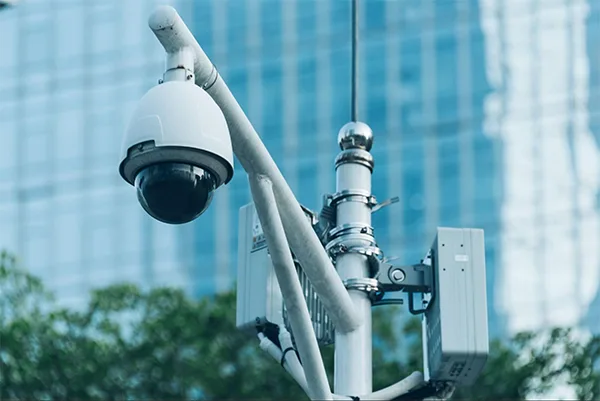
Security cameras have two ways to connect to a recording system. A wired camera will share videos via a physical cable, while a wireless camera will send them over Wi-Fi.
PoE (Power over Ethernet) cameras get power and data through a single Ethernet cable. These cameras receive both power and data through a single Ethernet cable, which connects to a PoE switch or an NVR (Network Video Recorder). Since one cable handles all the work, another power outlet is not required. For such cameras, older analog cameras are also used.
Wireless cameras can have a Wi-Fi plug-in and be solar or battery-powered, without any cables. The plug-in cameras connect to the Wi-Fi network, and they require a power outlet. It makes installation easier if there is an outlet nearby, whereas the solar and battery panels don’t need cables. They only require sunlight or regular charging to keep them working.
In the case of wireless cameras, the data transfer happens without wires, but the cameras still need cables to run in most cases.
Wired security cameras share videos with a recording device via a physical cable, and there is no Wi-Fi connection involved. Wireless security cameras, on the other hand, share videos through a Wi-Fi setup, without needing a physical cable to transfer them. Modern IP (Internet Protocol) dominates both of these categories when it comes to transmitting data.
Wireless vs Wired Security Cameras: Comparison Table
The main difference between wired and wireless security systems is how they transmit video data and receive power, such as Ethernet or coaxial security camera cables for wired systems, to be connected to a local recorder and data transfer over Wi-Fi, powered by batteries, solar panels, and plug-in outlets for wireless systems.
| Factors | Wired (PoE) | Wireless |
| Power | Via the Ethernet cable | Battery, plug-in, or solar |
| Connection | Cable to NVR/router | Wi-Fi or cellular data |
| Installation | Installation is harder. Needs cable runs | Easier and quicker |
| Upfront Cost | Higher ($200 – $2000+) | Lower ($150 or less) |
| Long-term Cost | Lower maintenance (no cloud storage charges, only repair/replacements when necessary) |
|
| Video Quality | StableHigh-bandwidth | Depends on Wi-Fi |
| Reliability | Very high | Varies with signal |
| Power Outage | Requires a UPS backup | Battery models work consistently |
| Best for | Permanent installations | For renters because it provides flexibility |
Pros and Cons of Wired Security Cameras
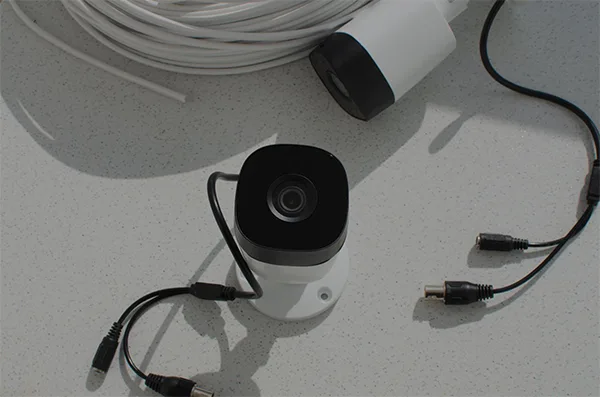
Wireless security cameras allow for easier installations that are more cost-effective options compared to wired camera systems. Different security cameras can be selected based on coverage needs and available power sources. They do not need hardwired internet, providing access to a wide variety of spaces, which makes installation a more relaxed experience. However, they are dependent on Wi-Fi, need regular recharging/replacement every 2-6 months and they are vulnerable to interception.
| Pros | Cons |
|
|
|
|
Pros and Cons of Wireless Security Cameras
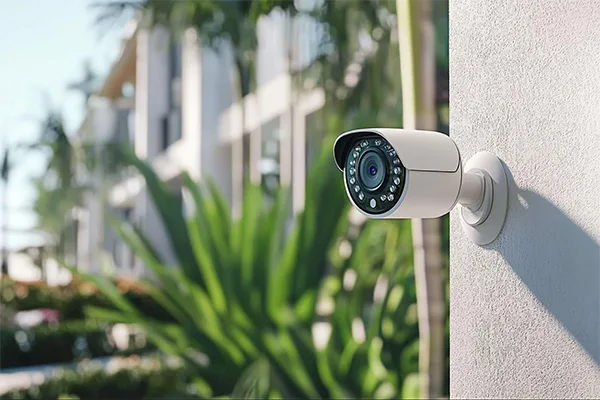
Wireless security cameras allow for easier installations that are more cost-effective options compared to wired camera systems. They do not need hardwired internet, providing access to a wide variety of spaces, which makes installation a more relaxed experience. However, they are dependent on Wi-Fi, need regular recharging/replacement every 2-6 months and they are vulnerable to interception.
| Pros | Cons |
|
|
|
|
|
|
Key Components to Keep in Mind for Comparison
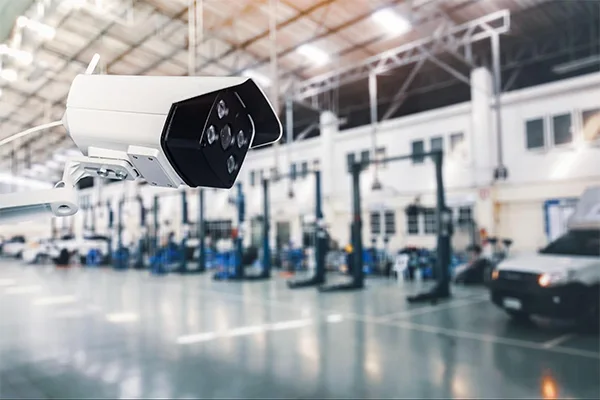
Are wireless security cameras better than wired? There are multiple options available for security cameras these days, and some key features should be looked out for in every type of camera, such as reliability, signal interference, video quality, bandwidth, installation, total costs, and security involving hacking risks, along with power outages and maintenance.
1. Reliability and Signal Interference
Wired security cameras get a continuous power supply directly through a coaxial or PoE Ethernet cable, so data transmission is consistent. Wireless cameras are split into plug-in models and battery- or solar-powered models that require periodic recharging and maintenance, and when these options fall behind due to thick walls, distance, and heavy networks, work suffers.
| Band Selection (2.4 GHz vs. 5GHz) | 2.4 GHz allows longer range and better penetration through walls and solid obstacles. Slower and more congested network due to overlapping channels and electrical devices. | 5GHz has a shorter range and gets easily blocked by walls and floors. Faster speed with more channels available. Better option for high-resolution video streaming. |
| Mesh Wi-Fi | Connect satellite nodes to the main router with an Ethernet cable instead of depending on Wi-Fi. | Mesh satellites should be placed halfway between the main router and the wireless security camera system. |
| Router Placements | Place the router in a central and open location in the house. It can be put on an elevated platform or mounted high on a wall. The antennas should point vertically for coverage if there are multiple floors. | Keep the router away from large metal/electrical appliances, concrete or brick walls, and microwave ovens. |
2. Video Quality and Bandwidth
Streaming a single high-definition camera consumes 10 Mbps, and higher resolutions (2K or 4K) demand substantially more bandwidth per device. A standard residential Wi-Fi router handles internet traffic, and when too many wireless cameras compete for the same Wi-Fi channel, it limits bandwidth quality. When this happens, videos start lagging and freezing, the resolution drops automatically, and all devices suffer.
3. Installation and Total Cost
For a 4-camera residential setup, upfront costs for wired cameras go from $200 to $2500. This includes PoE cameras, an NVR unit with a 2TB hard drive, and specialized installation labor. There are no additional costs in the long term to view or store data.
In a wireless camera setup, the costs can range from $150 to $800. This setup can be done without professional help. In the long term, a multi-camera cloud subscription might cost about $10 per month, and you will need about two replacement batteries or solar panels over time, which costs over $400 in total.
4. Security and Hacking Risk
In wired systems, feeds travel through a closed circuit to an internal NVR/DVR, so they have minimal remote hacking risk. An intruder would need physical access to the cables or area to breach the property’s local network.
Wireless cameras transmit data through the air, creating a wider attack surface. Some other factors that contribute to wireless security setups being at a higher risk are weak passwords, unpatched firmware, or lack of multi-factor authentication. Criminals often use Wi-Fi jammers to disrupt camera or router connections, cutting off the live streams and alerts.
Relying on cloud storage puts data privacy in the hands of third-party service providers.
5. Power Outages and Maintenance
A standard wired PoE or hardwired CCTV system shuts down immediately during a power blackout unless it has an independent power source. Using a UPS bridges the gap during such blackouts since they keep the cameras and router online for a limited time, depending on total wattage and battery capacity.
Wire-free battery cameras continue operating natively during a power outage because they don’t depend on the house mains. The camera stays on, but the Wi-Fi router will die down during a blackout unless the router is also plugged into a UPS. Without a backed-up router, the camera may record locally to an SD card, but it cannot send live alerts or cloud backups to the phone.
How are Wireless Security Cameras Better Than Wired?
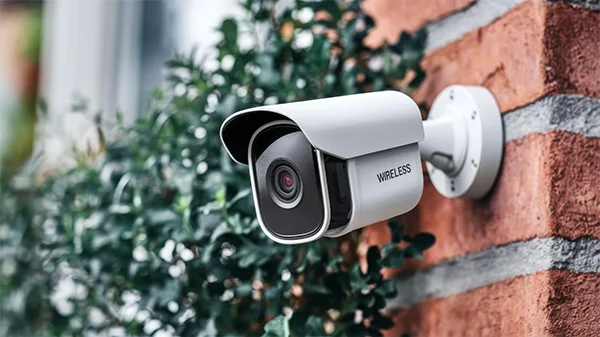
While the wireless cameras win on convenience and flexibility, wired cameras generally offer superior long-term reliability, continuous recording without battery maintenance, and are immune to Wi-Fi interference or signal dropouts. Therefore, neither of the options is better than the other. Which camera you decide to install depends largely on the area and your needs regarding security.
- Wireless Cameras: Wireless cameras do not require drilling holes through walls or running coaxial/Ethernet cables across your building. These cameras provide flexibility so that you can change their position when you need monitoring in some other place. It is ideal for renters, and you don’t necessarily need to hire professionals to install these cameras; adding a new camera to a wireless system is usually quite simple.
- Wired Cameras: Wired cameras do not depend on local Wi-Fi strength, concrete walls, router range, or any lag. Since data travels through a closed physical cable, these cameras are also immune to Wi-Fi attacks and jammers. These cameras provide uninterrupted power and data, supporting higher video quality and bandwidth.
Wired vs Wireless Security Cameras: Which One to Buy for a Home?
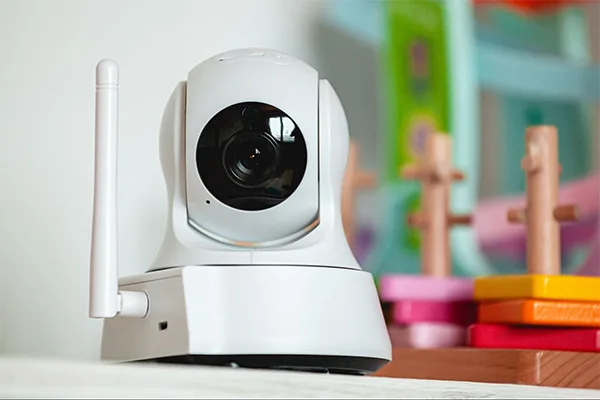
It can be a hassle to decide between wired or wireless security cameras for a home or a commercial space, but there are a few factors that can help you decide which one to go for, according to your living conditions.
Let me take you through some of them so that it becomes an easier task to make a choice.
- For an existing home without attic or wall access, wireless security cameras are the perfect choice. Homeowners can compare security camera systems before choosing a configuration. In such cases, installing traditional wired or PoE cameras requires drilling, running cables through walls, and routing them to a central NVR/DVR, which is not possible and costly without an attic or access to a wall crawlspace.
- For an existing home without attic or wall access, wireless security cameras are the perfect choice. In such cases, installing traditional wired or PoE cameras requires drilling, running cables through walls, and routing them to a central NVR/DVR, which is not possible and costly without an attic or access to a wall crawlspace.
- Wireless security cameras are best for renters and homeowners’ associations (HOAs) because they require no permanent modifications, preventing lease violations and damage charges from landlords. A wireless system can also be unplugged easily and moved into a new space without needing the help of professional installers.
- For a home with a large lot and buildings that degrade cellular signals, a hybrid system using PoE wired infrastructure with selective 4G/5G cellular cameras is the ideal solution.
- For outbuildings like a garage, shed, or driveways, wireless/solar-powered cameras are the preferred choice because running physical cables across a yard or into a detached structure is difficult and expensive.
Wireless camera systems are a decent option for small businesses without an upscale infrastructure that doesn’t need permanent fixtures yet.
Hybrid Camera Systems: Wireless and Wired Security Camera Systems
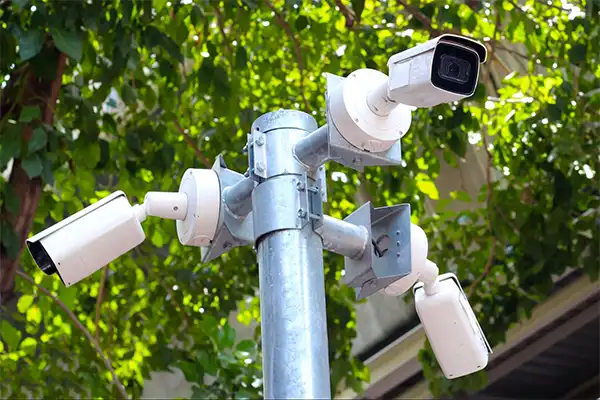
A hybrid security camera system combines wired PoE (Power over Ethernet) or coaxial cameras for high-priority areas with wireless (Wi-Fi or battery/solar) cameras for areas that are hard to reach or flexible zones under a single network recorder.
Wireless cameras are connected via Wi-Fi to cover places like distant sheds, detached garages, gates, or locations where drilling and wiring is impractical. Through this camera system, you can view and manage all cameras from one device.
When used together, wired camera systems are best for front and back doors, main gates, and garage areas that demand high-definition identity capture, smart AI motion detection, and uninterrupted uptime. Wireless camera options are good for remote garden corners, temporary areas, or upper floors where running a physical cable requires tearing up walls or ceilings. At entrances, doorbell cameras can provide an additional view of visitors and deliveries, helping homeowners prevent porch pirates.
How to Determine the Appropriate Time to Hire a Professional Installer
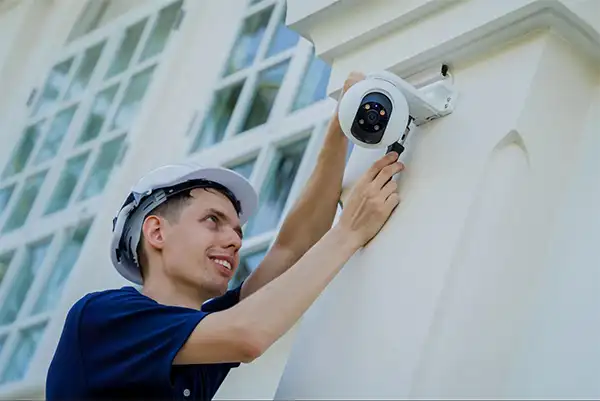
Determining the appropriate time to hire a professional security camera installer depends on the complexity of your hardware, property layout, and, most importantly, your comfort level. Some of the reasons to call professional help are:
- Large multi-story homes, commercial spaces, and properties with brick, concrete, or steel structures are complex and require professional help.
- Installing a hardwired PoE or coaxial CCTV system through finished walls, attics, and basements where signal might be low.
- If the cameras are to be installed at dangerous heights that require specialized ladders, scaffolding, or mounting.
- For cleaning and inspection to prevent tampering or weather degradation.
- To sync the system with existing devices such as mobiles or laptops and, if they require pairing, two-way audio and cloud/local storage.
Book a wireless security camera installation to ensure maximum coverage, remote access, and clarity of video for your peace of mind.
Conclusion
Whether you decide on installing wireless cameras or wired ones depends on your need for security, accessibility, and ease of using devices from anywhere to get to save up on extra costs. Get the help of professionals who make installation simple and provide 24/7 monitoring with wide-coverage cameras and a tamper-resistant setup.
Reach out to Camrelo’s services to get a free quote for professional camera installation done by trained technicians on the same day and with continuous assistance from their team regarding any issues.
FAQs
Do wireless security cameras work without Wi-Fi?
Yes, wireless security cameras do work without Wi-Fi. It depends on the alternative setup you choose. Such cameras use a built-in SIM card and a mobile data plan. Many wireless cameras feature a micro-SD card slot, internal memory, or a local DVR/NVR to store videos and for offline recording.
Do wired security cameras work during a power outage?
No, traditional wired security cameras do not work during a power outage unless they are connected to a backup power source. This happens because of the loss of grid power, recorder shutdown, and loss of remote viewing.
Can wireless security cameras be hacked?
Yes, wireless cameras can be hacked. Hackers can access live feeds, steal recorded videos, listen through built-in microphones, or use the camera as a means to compromise other devices in your home network.
How far can a wired camera cable run?
Ethernet cables go up to 100 meters, while coaxial cables can run up to 228 meters, and power cables are about 76 meters long. Fiber optic cables run several miles, making them the top choice for massive properties or industrial setups.
How often do battery-powered cameras need charging?
Battery-powered security and smart cameras need charging every 1 to 6 months, though usage and environment can make that span anywhere from a few weeks to a full year.
Can I mix wired and wireless cameras?
Yes, you can mix wired and wireless cameras in a single surveillance system, commonly known as a hybrid security camera system. Most modern NVRs or smart platforms let you view and manage both wired and wireless cameras from a single app or recorder.
Sources: